
A product for an individual or team
Compare configurations by use and register an enquiry. Hardware availability is subject to required certifications.
Explore products and enquire ↗Companion · AI and robotics by MetaControl
Companion coordinates calls, meetings, task assignment and follow-up on commitments in one workflow, with defined permissions and human approval.
Limited evaluation; acceptance of the complete receptionist workflow is not yet confirmed.
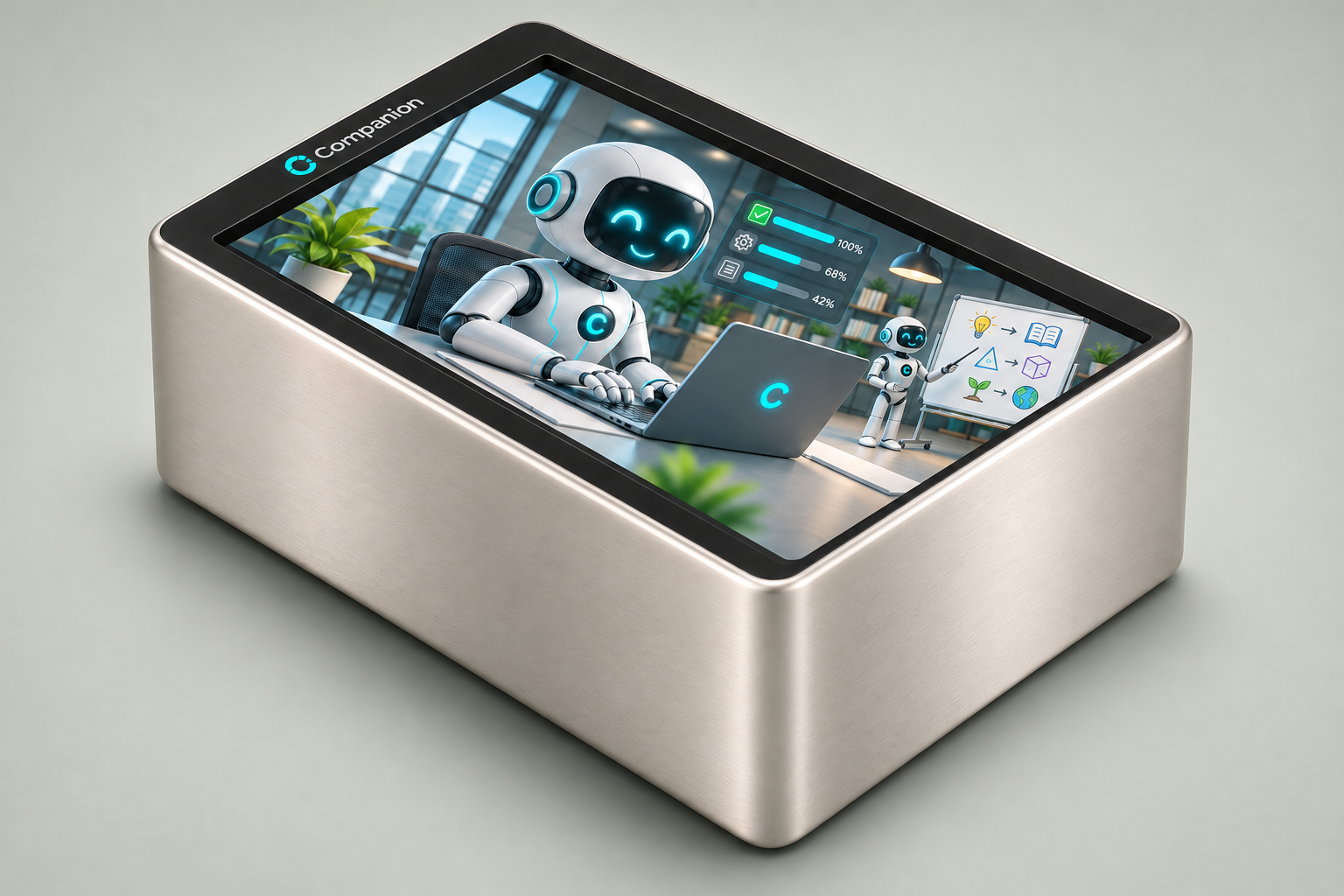
Compare configurations by use and register an enquiry. Hardware availability is subject to required certifications.
Explore products and enquire ↗Start with a defined process, current tools and outcome criteria. Implementation services are scoped separately.
Explore organizational implementation ↗Discuss territory, usage rights, deployment and support responsibilities. Confidential details follow a confidentiality agreement.
Discuss licensing and partnerships ↗Companion for life and business
Offices, reception desks, shops and service teams
Take the enquiry, find a suitable time and route it.Explore this use ↗
How the areas work together
A clear enquiry, coordinated time and responsible person, with the required approval and connections.
This section explains uses and collaboration. Review each area’s connections, delivery status and authority limits on the capabilities page.
Availability and conditions for each service ↗REQUEST → PLAN → ACTION → FOLLOW-UP
Example: handling a customer request. Select a stage to see the robot’s work, your decisions and the output.
Robot: work within authority ↔ Your panel: configure, approve and supervise
The customer makes a request through conversation, phone, web or a configured schedule. The robot must identify the desired outcome.
“Please contact me about the product.”
Canonical data stays on the customer’s system. Each task’s online or offline availability depends on configuration and admitted connections. This illustration does not establish that every stage is live; review recorded capability status on the capabilities page.
UNDERSTAND THE DIFFERENCE
Companion coordinates a workflow across calls, meetings, requests and follow-up. Compare deployment and responsibilities, then check the evidence for the capabilities you need.
| What matters | Companion | Cloud reception service | General-purpose LLM agent |
|---|---|---|---|
| Data and processing | Primary records stay on the customer’s system. Connected cloud services may process selected information; agree the data flow before deployment.Review capability evidence ↗ | Calls and records are processed under the provider’s hosting, retention and privacy terms. | Data handling depends on the model provider, hosting, connected tools and configuration. |
| Local operation | Local execution is configuration-specific. Telephony, cloud models and external integrations can still require a connection.Review capability evidence ↗ | Typically requires the provider’s network service; check outage and fallback options. | Local or cloud deployment is possible, depending on the model and implementation. |
| Scope of work | A connected process: receive a request, clarify, plan, obtain approval, execute and follow up — where the required capabilities are documented.Review capability evidence ↗ | Reception, routing and booking are common; broader workflows may be available through integrations. | Can plan and use tools; business rules, permissions and operational follow-through must be implemented. |
| Control and commercial model | Select a product configuration, a scoped organizational implementation or a licensing discussion. Rights and support are defined in the agreement.Review capability evidence ↗ | Access is normally governed by the provider’s subscription and service agreement. | Model access and ownership of the surrounding application depend on the chosen stack and contracts. |
| Ongoing costs | Product price is separate from implementation, support, telephone and cloud usage. Confirm these items in a scoped quotation.Review capability evidence ↗ | Subscription, usage, telephony and integration fees vary by provider. | Model usage, hosting, tools, development and maintenance may all contribute. |
| Languages and proof | Check language support and test status for each capability. Website languages do not establish spoken-language performance.Review capability evidence ↗ | Check supported languages, booking accuracy and call quality for the intended use. | Language generation and reliable speech or tool execution require separate evaluation. |
| Evidence and readiness | Recorded status, evidence and limits are published per capability. A documented component is not acceptance of the complete workflow.Review capability evidence ↗ | Review the provider’s documentation and test the proposed workflow. | Evaluate the model and the implemented workflow separately. |
Provider examples: Retell service and usage pricing; OpenAI business data controls. Retell · OpenAI
8 configurations for different needs; 27 areas and services to shape your workflow.
Speech, translation, learning, planning, documents, sales, marketing, finance and work execution. Review the status and limits of each area.
These models are proposed configurations. Deliverable capabilities, connections and your needs are reviewed before ordering.
Choose with confidence
Review the evidence and limits of each capability before choosing.
Explore capabilities ↗Understand processing and connections for your selected use.
Privacy ↗Explore project scope, connections and acceptance separately from the product.
Business services ↗COMPANION CONFERENCE PACKAGE
Companion brings room participation, advance coordination, participant connections, minutes and follow-up tasks into one meeting experience, with required approvals and defined connection scope.
Create a meeting by spoken request or panel, confirm the details, invite participants and send reminders.
Combine room and telephone participation; dial up to nine lines concurrently and connect those who answer.
Minutes, decisions and follow-up tasks with owners and deadlines, for review and outcome tracking.
All of these parts are built on the robot, but the conference has no recorded test yet. The staff web phone is awaiting connection, and calls to outside numbers await an outside telephone line.
Today each meeting has one language, Persian or English, for listening, notices and minutes. Per-speaker language detection, minutes in a separate language and translation between participants are in development.
Whoever joins hears a recording notice; it is a notice, not consent. Recordings stay encrypted on the robot. A sample demo is not a live minutes test.
Enquiry only. Hardware sale and delivery are subject to obtaining the required certifications and approvals.
FROM DISCOVERY TO A PURCHASE DECISION
For organizations and education providers, the proposed starting point is a defined task with a decision owner, an existing baseline and acceptance criteria. Capability readiness is assessed separately; the complete service catalog is not treated as one ready-to-deliver package.
Share your workflow, user count, existing tools and desired outcome; review relevant examples and evidence.
If agreed, define scope, data access, responsibilities, costs and acceptance or stop criteria before starting.
A proposal should define deliverables, timing, payment terms and support. An initial enquiry is not a purchase commitment.
A model’s displayed price applies only to its stated scope. Deployment, integrations, external service usage, support, taxes and renewals must be specified in the proposal. Education and organizational projects require an agreed scope before a firm quotation.
Include your organization, target workflow, user count and contact details in your email.
A KEY APPLICATION DOMAIN
From schools and universities to training providers and workplace learning: explore the education showcase. Documented capability status is distinct from development and pilot plans.
Explore the LMS showcase ↗Choose by need
Compare proposed configurations. Availability, connections and final costs are reviewed before ordering.
Reception & an organised office
Enquiry only. Hardware sale and delivery are subject to obtaining the required certifications and approvals.
Customers, content & sales
Enquiry only. Hardware sale and delivery are subject to obtaining the required certifications and approvals.
Everyday home companion
Enquiry only. Hardware sale and delivery are subject to obtaining the required certifications and approvals.
Language learning & practice
Enquiry only. Hardware sale and delivery are subject to obtaining the required certifications and approvals.
Access for low vision
Enquiry only. Hardware sale and delivery are subject to obtaining the required certifications and approvals.
Access with motor limitations
Enquiry only. Hardware sale and delivery are subject to obtaining the required certifications and approvals.
Everyday companion for older adults
Enquiry only. Hardware sale and delivery are subject to obtaining the required certifications and approvals.
Foundations for device makers
Enquiry only. Hardware sale and delivery are subject to obtaining the required certifications and approvals.
MetaControl · Companion
Start with one workflow: calls, meetings, sales or task follow-up.
Discuss a focused demonstration ↗Define project scope, existing systems, responsibilities and acceptance.
Explore bespoke services ↗Discuss investment, integration, licensing or representation.
Investment & partnerships ↗The discussion establishes deliverable scope, performance evidence, the partnership model and next steps. No investment return or cost saving is guaranteed.
Before you decide
Define the main task and number of users. The comparison below pairs each proposed configuration with its audience.
Each capability has its own status. Review its recorded evidence and limits. An educational example is not a live execution.
A product is a proposed configuration for a defined set of uses. Bespoke services require separate project scope, organisational connections and acceptance criteria.
Email your workflow, number of users, current tools and intended output to sales@metacontrol.live. Request a demonstration of that specific scenario.
Use the separate investment and partnership route and describe your proposed relationship and field. Commercial terms and confidential details follow mutual review.
Review recorded capability status, explore an educational example, then discuss the configuration and delivery criteria.
This opens your email app. Send the message yourself to request updates. This page does not take payment or automatically subscribe you.
MetaControl · Companion
Tell us about your use, number of users and required connections.
sales@metacontrol.live